How to Check MahaRERA Registration: Step-by-Step Guide (2026)
A step-by-step guide to checking a project's MahaRERA registration on the current portal: registration number formats, what to read on the project page, agent checks and red flags.

Before you pay a booking amount for any under-construction home in Maharashtra, check MahaRERA registration first. It takes ten minutes and tells you more than any brochure.
This guide walks through how to check MahaRERA registration step by step on the current portal, what each part of a project page means, and the warning signs to look for. It is written for buyers in Pune, but the process is the same across Maharashtra.
Why MahaRERA registration matters
The Real Estate (Regulation and Development) Act, 2016 requires most residential projects to be registered with the state regulator before they are advertised or sold. In Maharashtra that regulator is the Maharashtra Real Estate Regulatory Authority, MahaRERA.
Registration matters to you as a buyer because it means:
- the promoter has disclosed the land title, approvals, plans and a proposed completion date to the regulator
- a share of the money collected from buyers must go into a separate bank account for the project (the Act sets this at 70%)
- the promoter has to file regular progress updates
- you can file a complaint with MahaRERA if the promoter breaks its commitments
A small number of projects are exempt, mainly where the land is up to 500 square metres or the project has no more than eight apartments across all phases. Almost every project you will see advertised in Pune needs a registration number.
Step 1: Find the registration number
Every advertisement for a registered project must show its MahaRERA registration number, the MahaRERA website address and, since August 2023, a QR code that links to the registration. Look for it on the hoarding, the brochure, the website and the cost sheet.
Registration numbers come in two formats:
- Older numbers start with P5 followed by a district code. Pune projects begin with P521, for example P52100047656.
- Newer numbers, issued on MahaRERA's newer system, start with letters such as PR or PM followed by a longer string of digits.
Large projects are often registered phase by phase, so one project can have several numbers. Mahindra Citadel, for example, lists separate registrations for different phases and towers. Make sure the number you check covers the tower or phase you are buying in.
Step 2: Search the project on the MahaRERA portal
- Go to the official MahaRERA project search at maharera.maharashtra.gov.in.
- Search by project name, or filter by district (Pune) and project type.
- Check that the result shows the same registration number, project name and promoter as the developer's documents.
- Click View Details to open the full project page.
Bookmark the current address. MahaRERA moved its filings to a newer system, called MahaCRITI, in 2025, and retired the old MahaRERA 1.0 portal in May 2026. Older guides that point to maharera.mahaonline.gov.in are out of date.
The search page has a separate Revoked Projects tab. If the project you are considering appears there, stop and get legal advice before paying anything.
Step 3: Read the project page properly
The project page is where the real information is. Check each of these:
Promoter details
The promoter named on MahaRERA should be the same company that issues your allotment letter and agreement for sale. A different entity, or a "marketing partner" collecting the money, needs an explanation in writing.
Proposed completion date
This is the date the promoter has committed to the regulator. Compare it with the possession date in the sales pitch. If the salesperson promises an earlier date than the one filed with MahaRERA, rely on the filed date.
Also look for an Extension Certificate. An extension is not automatically a red flag, but it tells you the original timeline has already slipped.
Approvals and plans
The page lists the approvals the promoter has filed, such as the commencement certificate and sanctioned building plans. Check that the tower and floor you are buying are covered by the sanctioned plans.
Quarterly progress updates
Promoters must update the construction status and the number of units booked. Compare the reported progress with what you see on site, and check that updates are current rather than months old.
Complaints
MahaRERA publishes complaints by project and by promoter. A few complaints in a large project are not unusual. Many complaints about the same issue, such as delayed possession, deserve a closer look.
Step 4: Check the agent too
If you are buying through a broker or channel partner, they must also be registered with MahaRERA. Agent numbers start with A followed by 11 digits. You can look them up on the MahaRERA agent search.
Since January 2024, MahaRERA has not registered or renewed agents without a Certificate of Competency, which means the agent has passed MahaRERA's training exam. PROPHUNT LLP's MahaRERA agent registration number is A52100037156.
Step 5: Match the paperwork to the registration
Once you are ready to book, check that your documents line up with what is on MahaRERA:
- the allotment letter should follow MahaRERA's model format, which applies when the promoter takes an advance of up to 10%
- the agreement for sale should follow the model agreement under the Maharashtra RERA rules, with any changes clearly highlighted
- the carpet area, price, parking and possession date should match the registered project details
Red flags to watch for
- No registration number on an advertised project, or a number that does not match the project name.
- "Pre-launch" bookings that ask for money before the project or phase is registered.
- Payments to a different company than the promoter registered with MahaRERA.
- A possession date in the brochure that is earlier than the completion date filed with MahaRERA.
- Stale or missing progress updates on a project that claims to be well under way.
What to do if something looks wrong
Ask the developer to explain in writing. If the issue is serious, such as missing registration or a mismatch in the promoter's name, consult a property lawyer before paying. Buyers can file complaints with MahaRERA online, and MahaRERA also runs a conciliation forum for disputes that can be settled without a full hearing.
The PROPHUNT view
Make it a habit to check MahaRERA registration for every project and every agent you deal with. It is not a formality. It is the quickest way to separate a well-documented project from a sales pitch. Every project we list on our projects page shows its registration number where one has been issued, so you can check it yourself before a site visit.
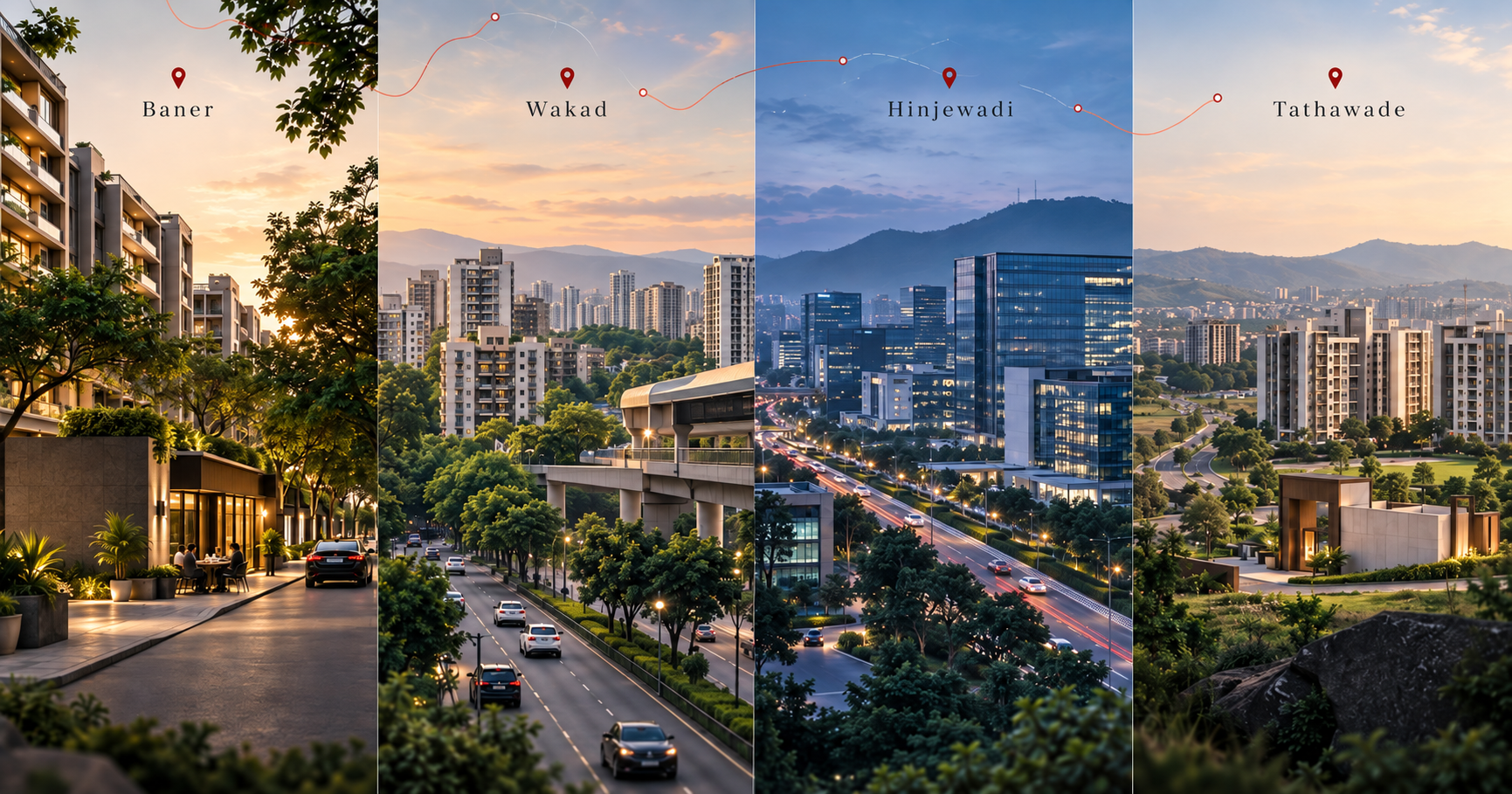
If you are comparing locations as well as projects, our Baner vs Wakad vs Hinjewadi vs Tathawade guide covers what to look for in each area.
This article is general information, not legal advice. Check the current details on the official MahaRERA portal and consult a property lawyer for your specific purchase.
Frequently asked questions
How do I check MahaRERA registration online?
Go to the official MahaRERA project search at maharera.maharashtra.gov.in, search by project name or filter by district, confirm the registration number and promoter match the developer’s documents, then open View Details to read the project page.
What does a Pune MahaRERA registration number look like?
Older numbers start with P5 and a district code, and Pune projects begin with P521, for example P52100047656. Newer numbers issued on MahaRERA’s newer system start with letters such as PR or PM followed by more digits.
Is the old maharera.mahaonline.gov.in website still working?
No. MahaRERA moved its filings to a newer system in 2025 and retired the old MahaRERA 1.0 portal in May 2026. Use maharera.maharashtra.gov.in.
Do real estate agents need MahaRERA registration?
Yes. Agents must be registered with MahaRERA, and since January 2024 MahaRERA has not registered or renewed agents without a Certificate of Competency. Agent numbers start with A followed by 11 digits.